Connect Stripe for customer payments
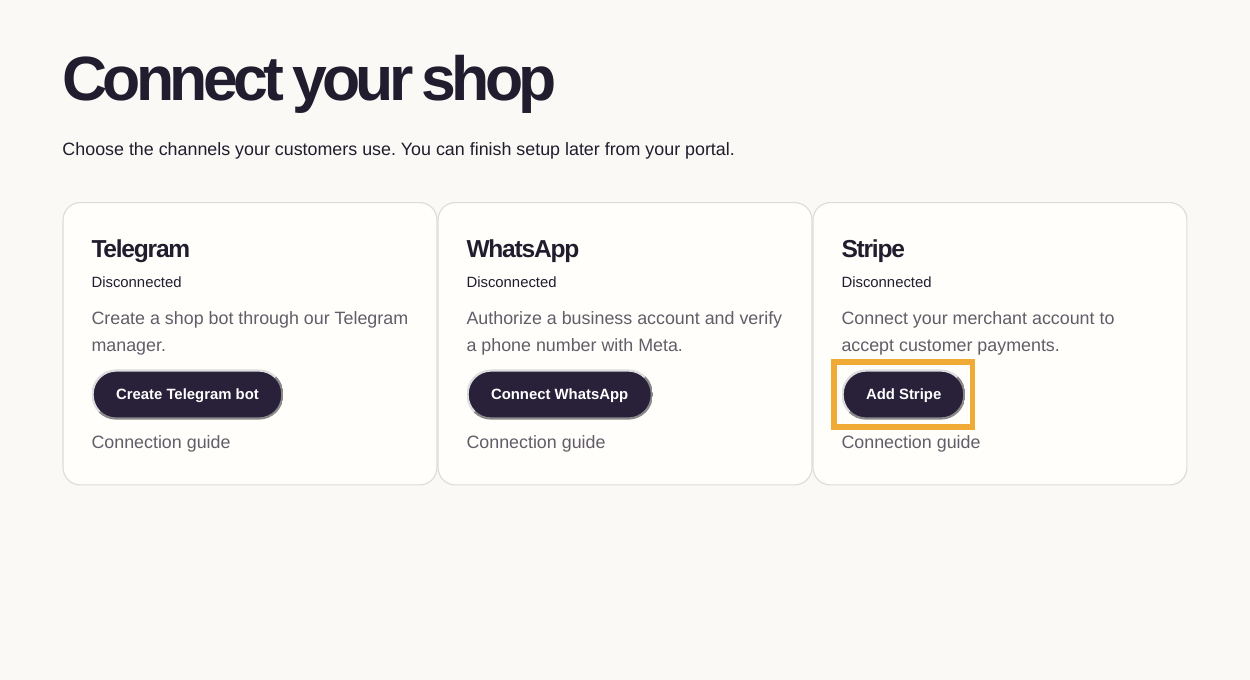
Open Stripe Connect
Select Add Stripe. Choose the country where your business is registered. This connects payouts for Stripe Checkout orders. The Plans tab manages your own Cartoveya subscription separately.
Authorize the merchant account
Cartoveya creates a connected payout account for your shop. Give Stripe your business, identity and bank details. Existing linked shops keep their current account.
Check payment readiness
Authorize the connection and return to Cartoveya. Setup pending means Stripe is verifying your details or needs more information. Select Add Stripe to resume and refresh Connections after verification. Test a WhatsApp checkout using the same Stripe mode as the platform and check the paid order in the portal.