Create your Telegram shop bot
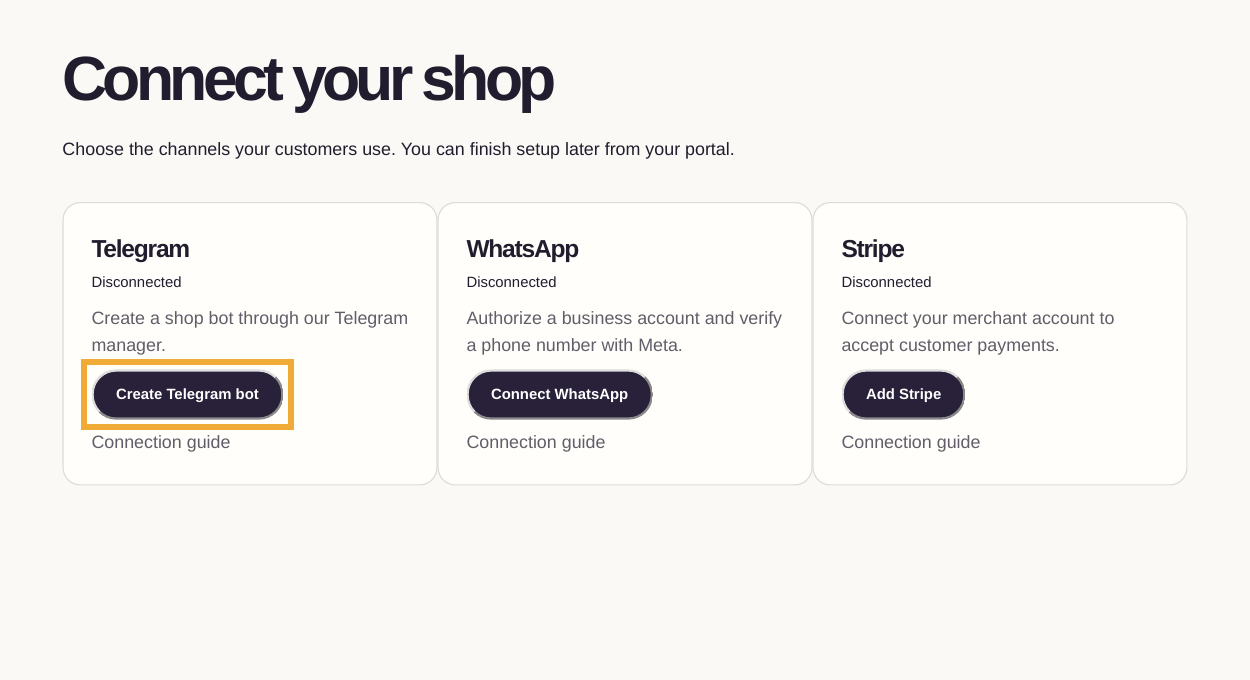
Open the manager bot
After signing up, select Create Telegram bot. Telegram opens the Cartoveya manager chat. Tap Start. If the link has expired, return to Connections and start again.
Create your shop identity
Tap Create shop bot in the manager’s message. In Telegram’s creation window, choose the display name and an available username ending in bot, then confirm. Cartoveya receives the token privately and registers the webhook.
Verify the bot
Return to Connections and select Refresh status. In Products, enter an item name, description, price, and any options. Open the shop bot in a private chat and send /menu. Tap a product to read its description, choose options and quantity, and type any special instructions in chat. Tap Place order to confirm the cart. For an existing bot, use Refresh bot menu and webhook to enable the chat buttons. Native Telegram invoices also require a compatible payment provider connected separately.