Connect your WhatsApp business number
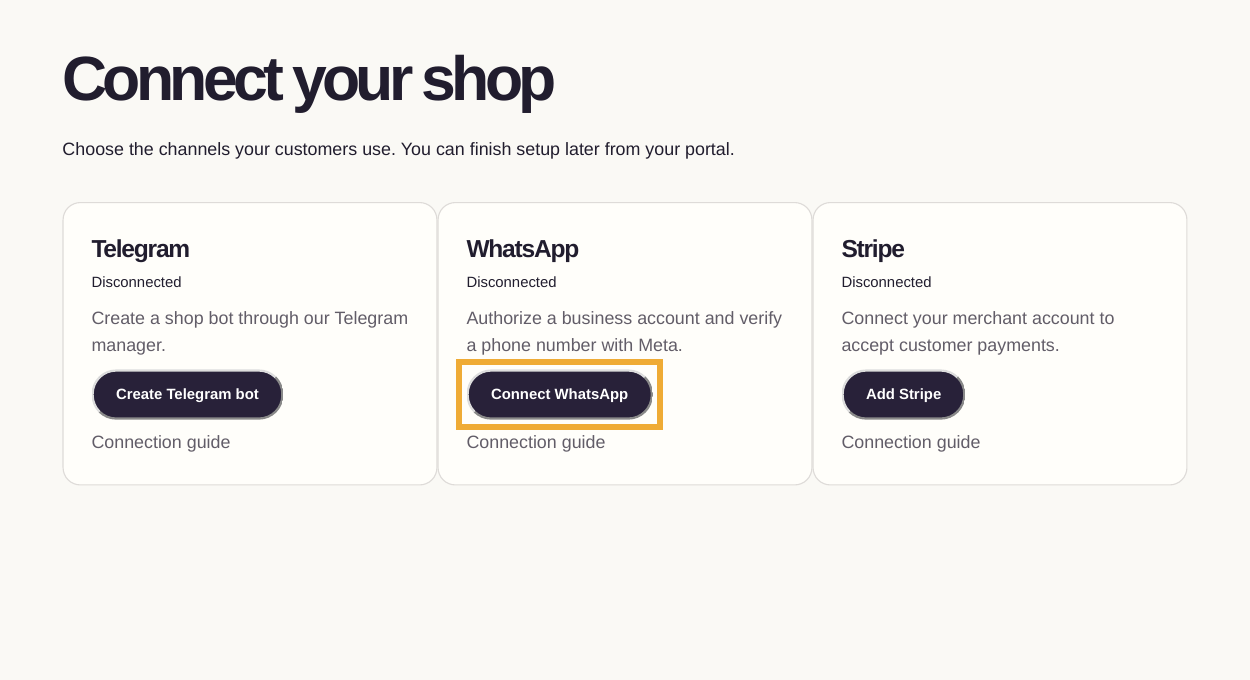
Start Embedded Signup
Select Connect WhatsApp, then Continue with Facebook. Sign in with the Meta account authorized to manage your business. Allow the authorization popup if prompted.
Select the business and number
In Meta’s guided flow, select or create the business portfolio and WhatsApp Business Account. Select or add the business phone number, complete any requested verification, and review the permissions. Follow the setup path available for your number.
Finish and test
Finish the Meta flow and return to Cartoveya. Refresh status and confirm Connected. Add a product, then send a message from a different WhatsApp account to the business number. Add Stripe when you want to collect card payments.